

Effective September 1, 2025, Microsoft introduced significant more value to the Microsoft 365 Copilot license. This change expands the included capabilities, bringing all Copilot Studio features and all role-based Copilot solutions (Copilot for Sales, Service, and Finance) into the standard Microsoft 365 Copilot license at no additional cost. Additionally, the billing unit previously known as “messages” has been renamed to “Copilot Credits” in Copilot Studio. AI Builder credits transition to Copilot Credits.

Copilot Studio Features Now Included
Since September 1, 2025, all Microsoft 365 Copilot licenses include full access to Copilot Studio features. This means:
- You can build and use internal agents, such as chatbots or task assistants, without incurring additional charges.
- These agents can be used in employee-facing scenarios (Business-to-Employee), such as within Microsoft Teams, Microsoft SharePoint, or Microsoft 365 Copilot Chat.
- Internal usage by licensed users is fully covered by the Microsoft 365 Copilot license.
- External usage (Business-to-Consumer), such as customer-facing bots, still requires payment via Copilot Credits.
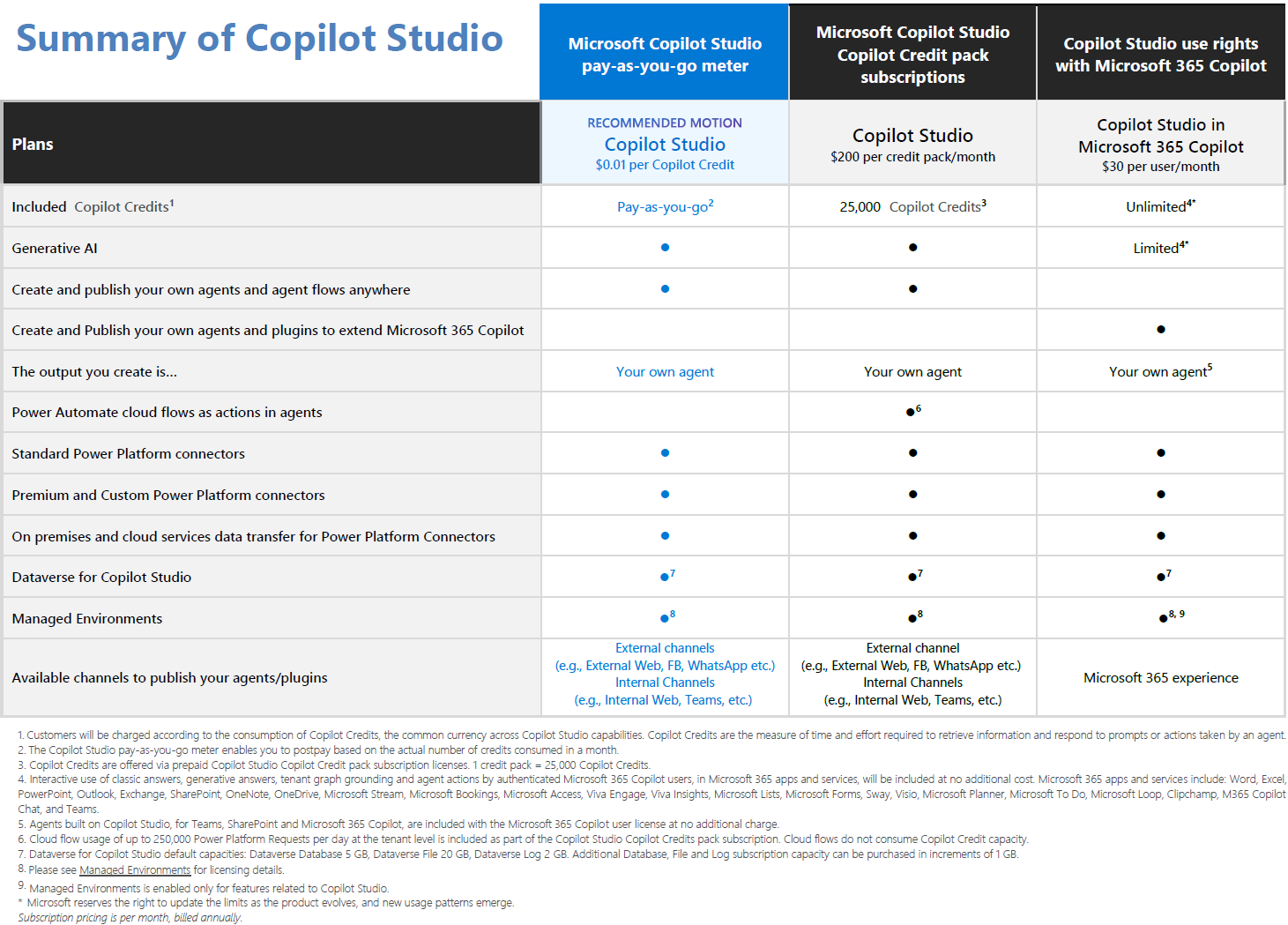
This inclusion allows your organization to create and deploy internal agents that support internal productivity, automate routine tasks, and find relevant information at no additional licensing cost.
Role-Based Copilots Included
Starting October 10, 2025, Microsoft 365 Copilot licenses also include the following role-based Copilot solutions:
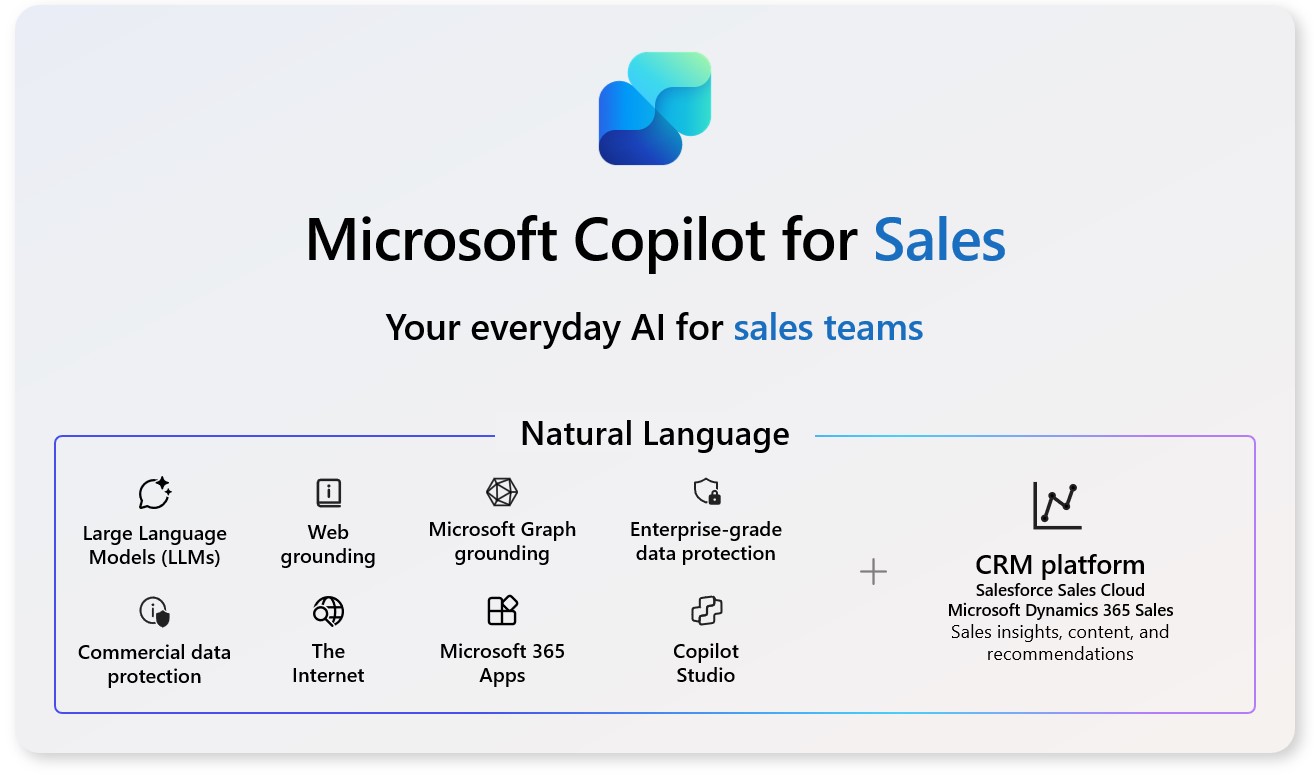
- Microsoft 365 Copilot for Sales
Helps sales professionals access customer relationship management (CRM) data, prepare for meetings, and receive insights directly in Microsoft Outlook, Microsoft Teams, and Microsoft 365 Copilot.
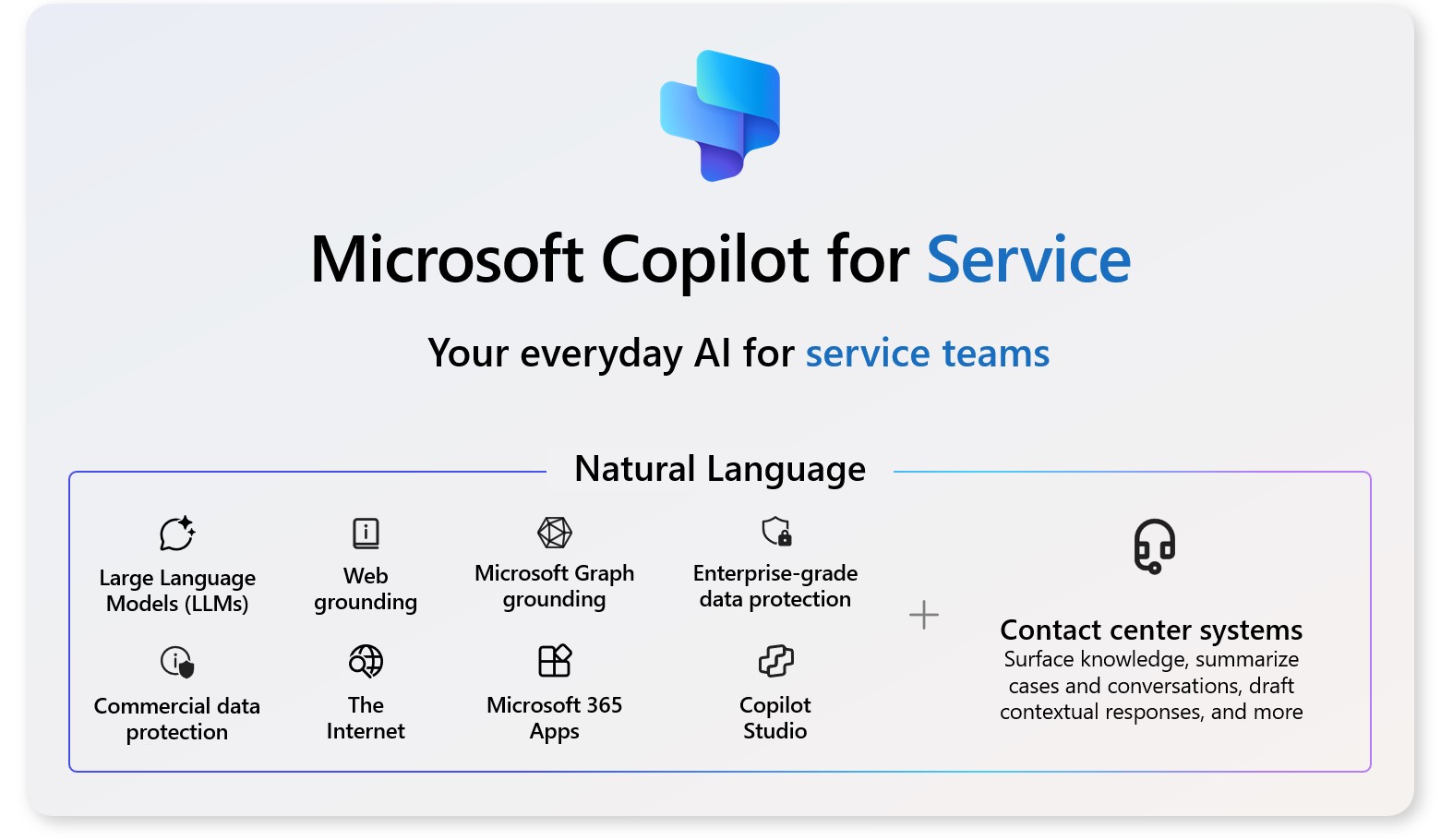
- Microsoft 365 Copilot for Service
Enables customer service teams to deliver personalized support by integrating data from platforms like Microsoft Dynamics 365 or Salesforce into their daily workflows.
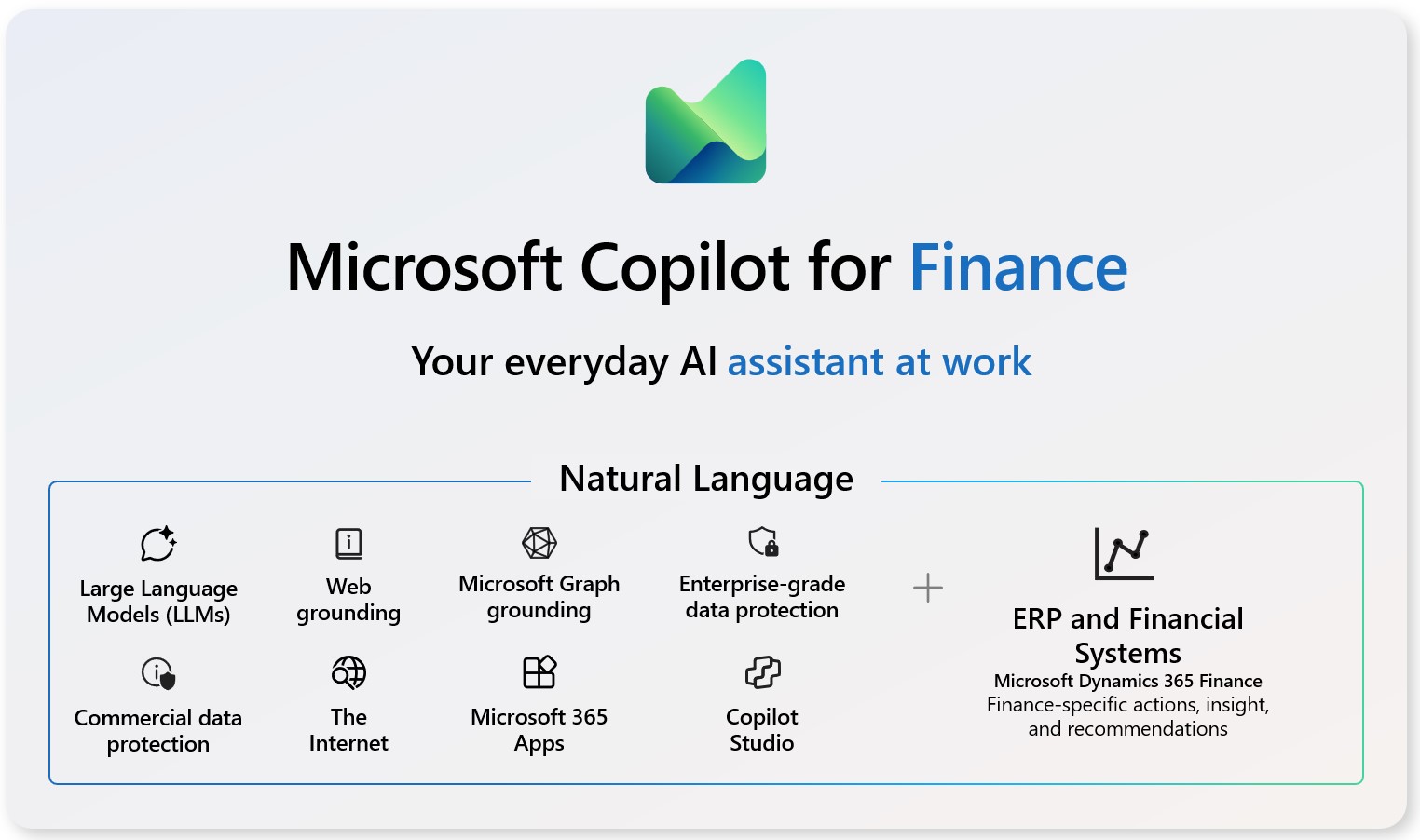
- Microsoft 365 Copilot for Finance
Brings enterprise resource planning (ERP) data into Microsoft Excel and Microsoft Outlook, helping finance teams manage tasks, analyze data, and streamline reporting.
Previously, each of these role-based Copilot solutions required a separate add-on license costing approximately $20 per user/month. Now, they are included in the base Microsoft 365 Copilot license. Customers can install them directly from the Microsoft 365 Copilot Agent Store (can be accessed in Microsoft 365 Copilot – Agents – All agents). No action is required. Existing customers will automatically transition to the unified license at renewal.
Two Different Agent-Building Experiences in Copilot Studio
Not all Copilot Studio users have the same level of skills and the same requirements. To support different user needs and skill levels, Microsoft now offers two distinct agent-building experiences within Copilot Studio:
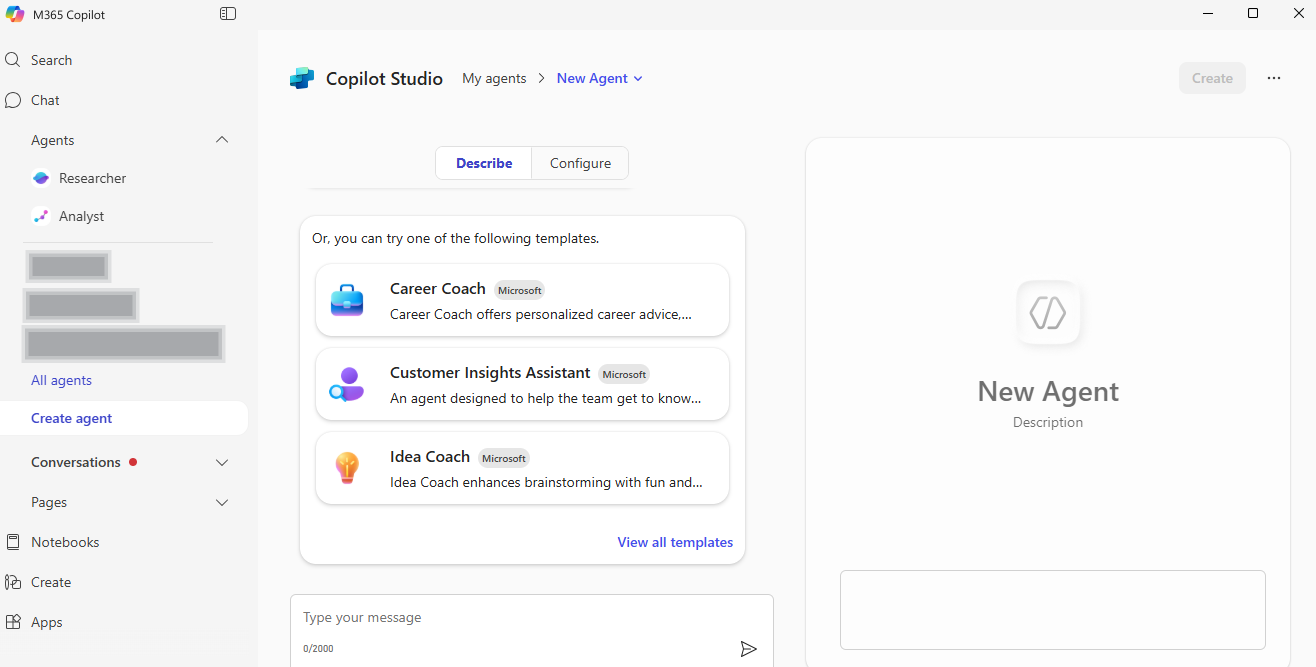
- Lite Experience
The Lite Experience is embedded directly within Microsoft 365 Copilot. It is designed for business users and team leads who want to create simple, no-code agents using natural language and existing content. This experience is ideal for quickly building agents that answer questions from internal documents or emails, without requiring technical expertise.
- Full Experience
The Full Experience is available through the Copilot Studio portal and is intended for IT professionals and developers. It supports advanced agent capabilities, including multi-step workflows, custom integrations, and broader deployment options. This experience is suitable for building agents that serve entire departments or external audiences and require more control over logic, data sources, and publishing.
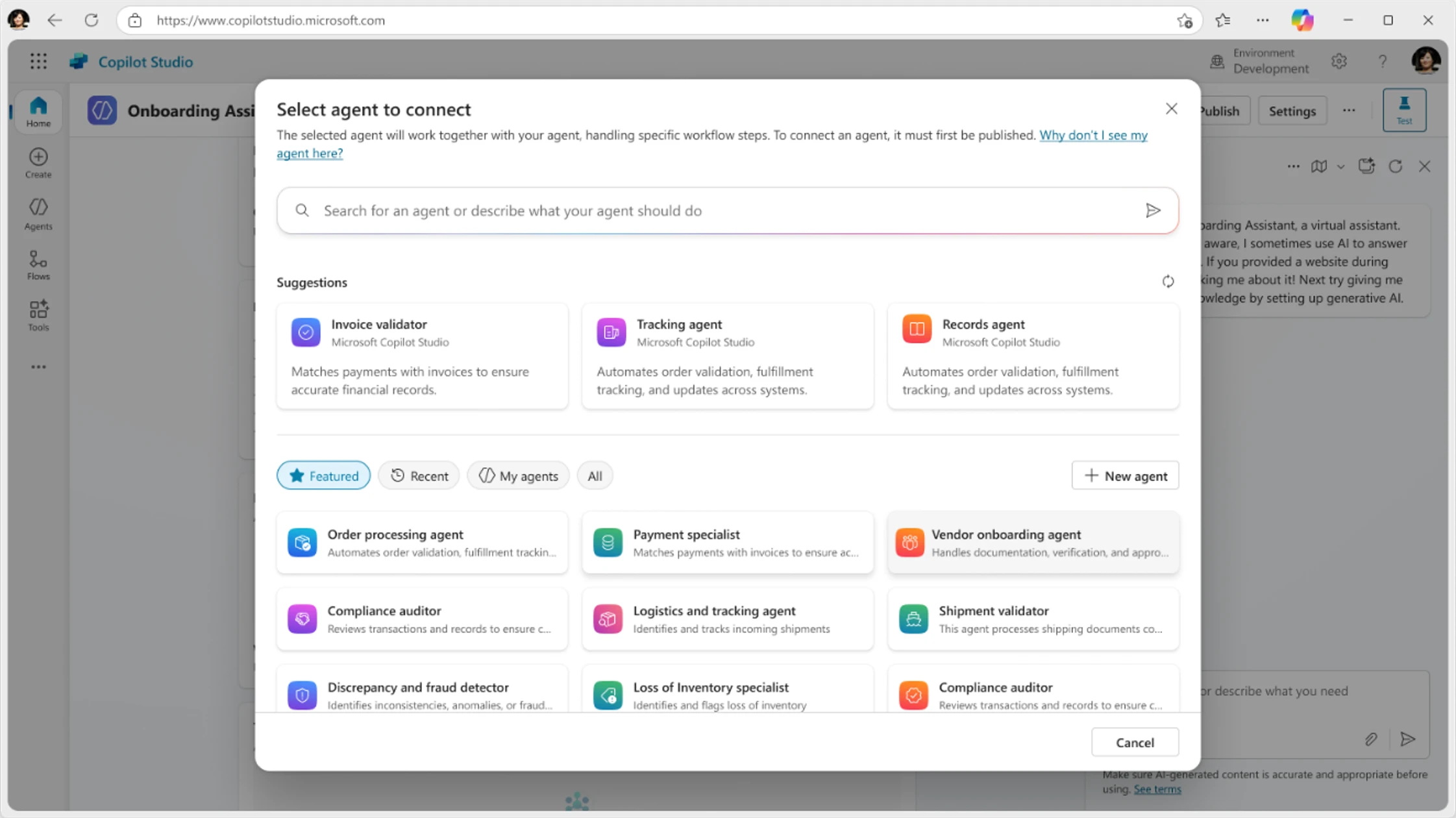
Both experiences are included in the Microsoft 365 Copilot license and allows your business to scale AI-powered automation across teams. It supports simple use cases to complex enterprise solutions.
“Messages” Renamed to “Copilot Credits”
Microsoft has renamed the billing unit for Copilot Studio usage from “messages” to “Copilot Credits.” This change:
- Does not affect pricing or the number of units included in prepaid packs.
- Applies only to metered usage, such as external-facing agents or unlicensed users.
- Has no impact on internal usage by licensed Microsoft 365 Copilot users, which remains free of charge.
AI Builder credits transitioning to Copilot Studio credits
Effective November 1, 2025, customers will no longer be able to purchase AI Builder credits for AI-related tools. Instead, all AI functionalities previously covered by AI Builder credits will require Copilot Studio credits, which can be acquired via the Copilot Studio meter or through credit packs.
What stays the same (for now):
- Existing AI Builder credits—whether bought directly or bundled with Power Apps, Power Automate, or Dynamics 365 Finance—will remain usable.
- However, customers must transition to Copilot Studio credits upon renewal.
What’s changing:
- AI Builder credit seeding in Power Apps, Power Automate, and Dynamics 365 Finance will be discontinued starting November 1, 2025.
- Customers who purchased these SKUs before that date may continue using the included AI Builder capacity until October 1, 2026.
- After that, Copilot Studio credits will be required to maintain access to AI tools.
What Does This Mean for Me?

These changes are all positive for the customer:
- More value: You now receive additional features (Copilot Studio and role-based Copilots) without increasing your licensing costs. This improves the value proposition for Microsoft 365 Copilot for both potential purchases and already licensed users.
- Simplified licensing: There are fewer SKUs (no more Copilot for Service/Sales/Finance) to manage, which makes the procurement and administration easier.
- Broader adoption: You can enable AI tools for sales, service, and finance teams without purchasing separate licenses. This makes the Copilot use case for these teams more attractive.
More information
Official Microsoft announcement: https://www.microsoft.com/en-us/microsoft-365/blog/2025/09/10/moving-sales-service-and-finance-to-the-frontier-with-microsoft-365-copilot/.
How to save on Microsoft 365 Copilot licenses?

There is a Microsoft 365 Copilot promotion available, saving you 15%: https://www.schneider.im/microsoft-copilot-for-microsoft-365-promotion-save-15/.
If you are interested in Microsoft 365 Copilot, please contact us at SCHNEIDER IT MANAGEMENT. We are here to help you save on licensing cost and perfect your license management.